Real Results. Real Businesses. Real Outcomes
Why I Document Every Project I Work On
Results without documentation are just stories. Results with documentation are proof, and proof is what builds trust with both business owners and Google.
Features SEO Case Study
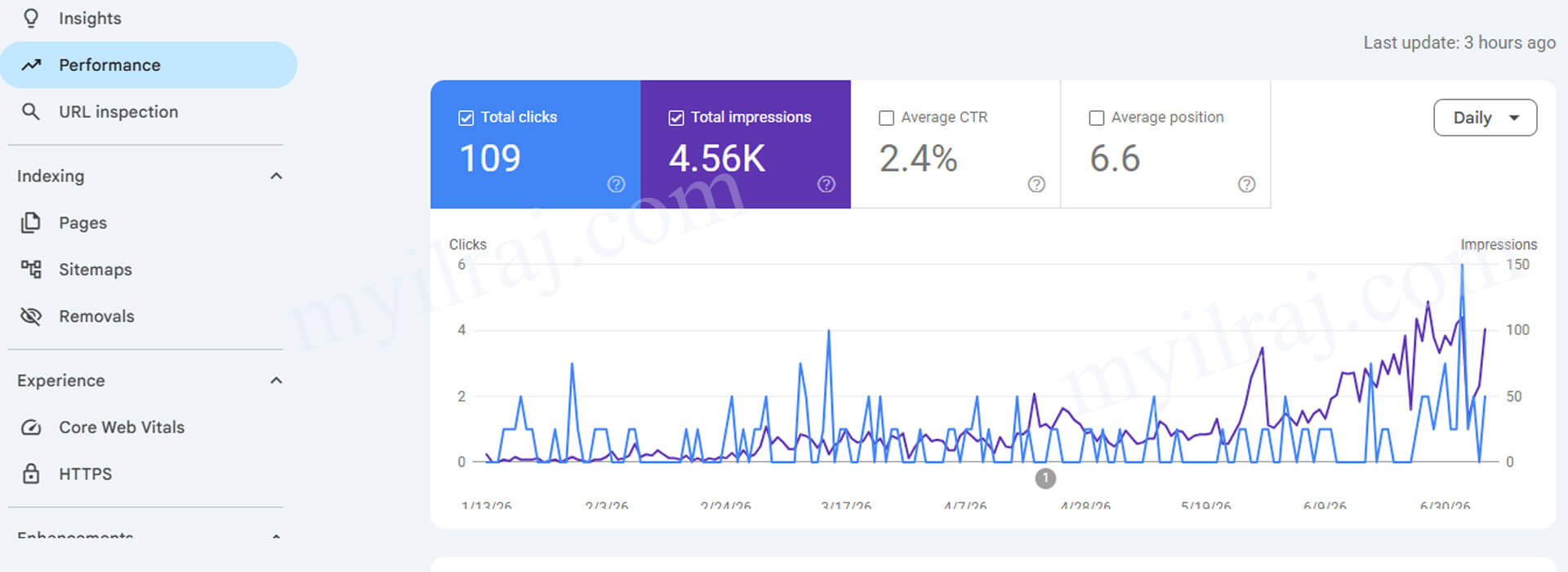
The Problem
What We Did
The Out Come
Key Takeaway:
Organic visibility does not come from publishing content. It comes from publishing content that Google can clearly understand, classify, and connect to real user searches.
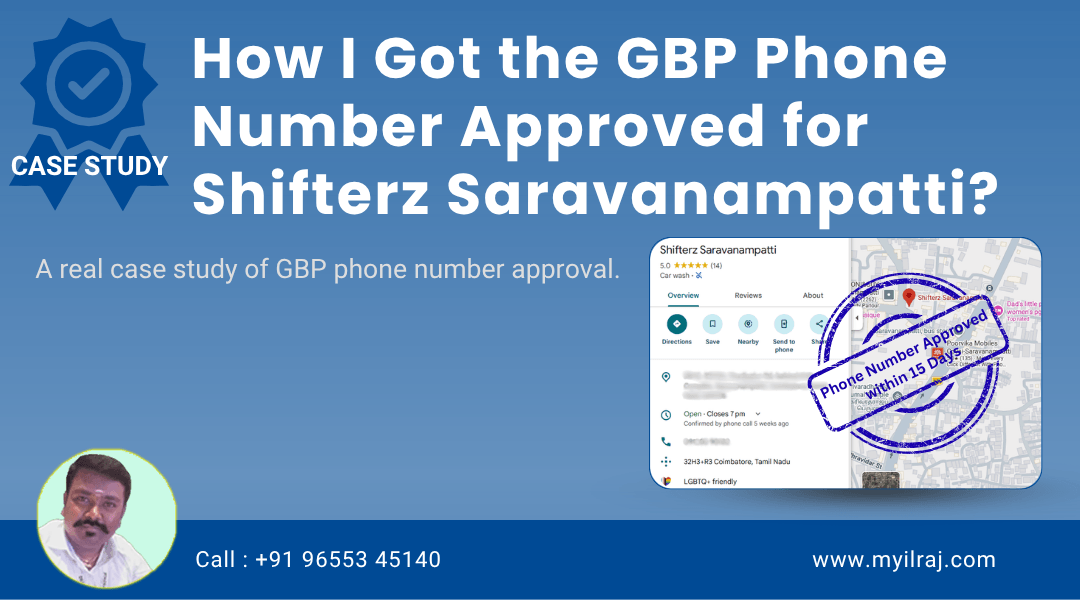
How I Got the GBP Phone Number Approved for Shifterz Saravanampatti, Coimbatore?Shifterz Saravanampatti is a car detailing and car spa business in Saravanampatti, Coimbatore. Its Google Business Profile was already verified and visible on Google Search and Maps. However, the business phone number was not appearing on the profile. The business had attempted to add the number Read Full Case Study
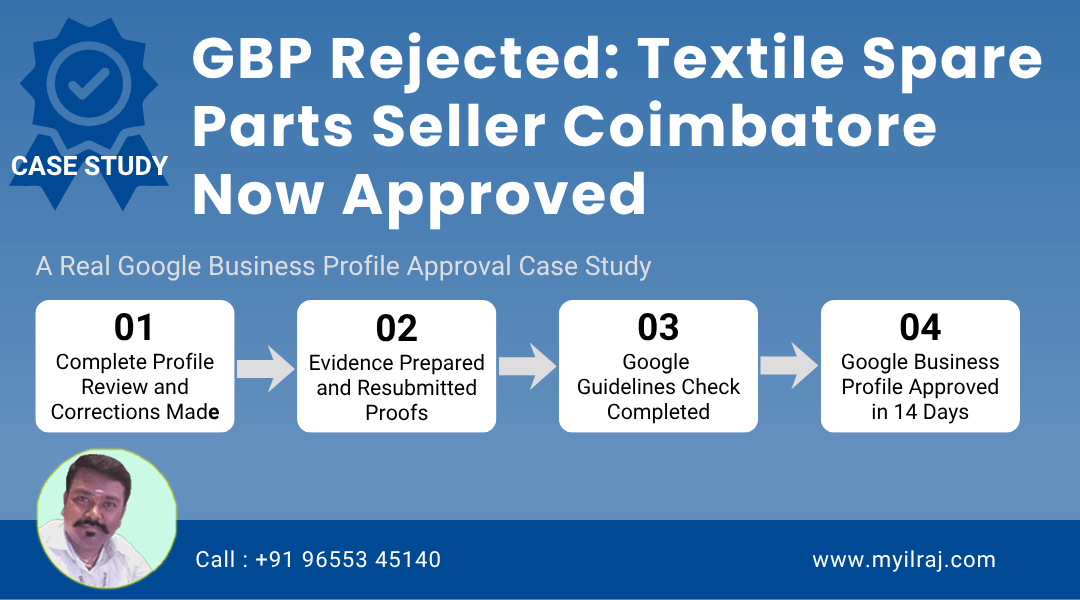
How I Got Google Business Profile Approved for Sai Krishna Textile Services, Coimbatore?The profile was created anew, but is not getting approved despite multiple attempts. A systematic review, corrections, and proper documentation helped it successfully be approved and live on Google Search and Maps. Initial StatusProfile Has Not Approved Action TakenReviews, Corrections, & Evidence Submitted Read Full Case Study
15 Real SEO and GBP Results I Have Documented on LinkedIn
S.No | What the Project Was About | Description | URL |
|---|---|---|---|
15 | Multi-location businesses have improved their local presence through my Local SEO Service. | GBP Case Study | |
14 | One of my clients wanted to improve their Google Business Profile visibility. | GBP Case Study | |
13 | A consulting client grew from ZERO visibility to 3X growth. | SEO Case Study | |
12 | A product-based business in India is struggling to get noticed on Google. | SEO Case Study | |
11 | Ranking on Google is hard. | SEO Case Study | |
10 | From Top Position to ZERO (and) From ZERO to Google's First Page! | SEO Case Study | |
9 | Hard Work Pays Off - onlinehomeincome(.)in is growing! | My Own Blog Growth | |
8 | My 2024 LinkedIn stats, | 2024 Reflection | |
7 | Blogging + SEO is a slow-growing game that requires patience and enough time. | SEO Case Study | |
6 | The power of Keyword Clustering in Blogging and SEO. | SEO Post | |
5 | [Follow up post] | SEO Post | |
4 | Is SEO Dead? | SEO Post | |
3 | Yesterday, I spoke about the key factors to drive traffic to a blog. | SEO Post | |
2 | How did I turn from a Job-goer to a full-time business owner in 10 years? | My Journey | |
1 | Do You Know how consistency puts you on top in a short course of time? | My Journey |
WordPress SEO
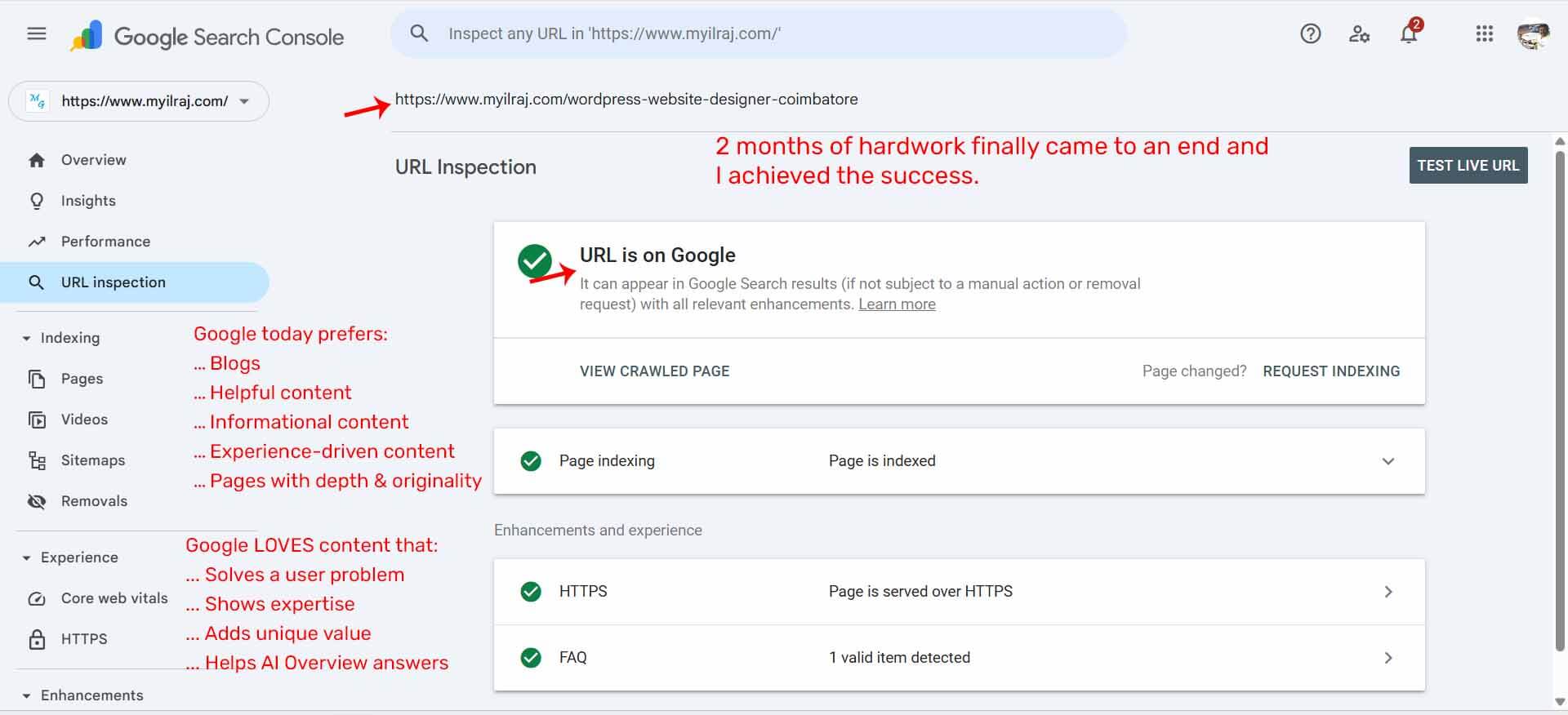
It has been two months since I published my service page "WordPress Website Design."
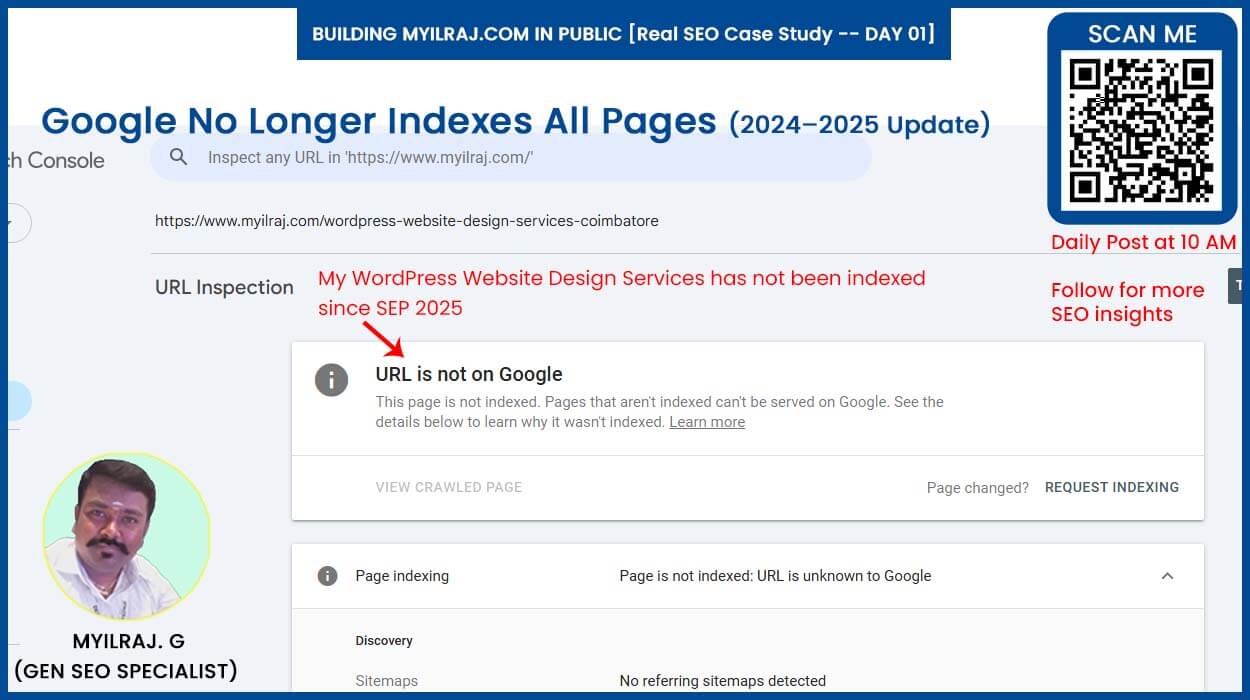
The service page was live in September 2025. Google has indexed all posts and pages, but has still neglected this page.
I am confused, stuck, and don't know where the mistake is. After two months of continuous monitoring and iterations, I finally achieved success.
Even after:
- Publishing the content
- Adding schema
- Driving external traffic
- Giving internal links
- Sharing on social platforms
Google still ignored it.
"Publish & Pray" no longer works.
So I rewrote and rebuilt my complete WordPress Website Design Service page from scratch.
And today,
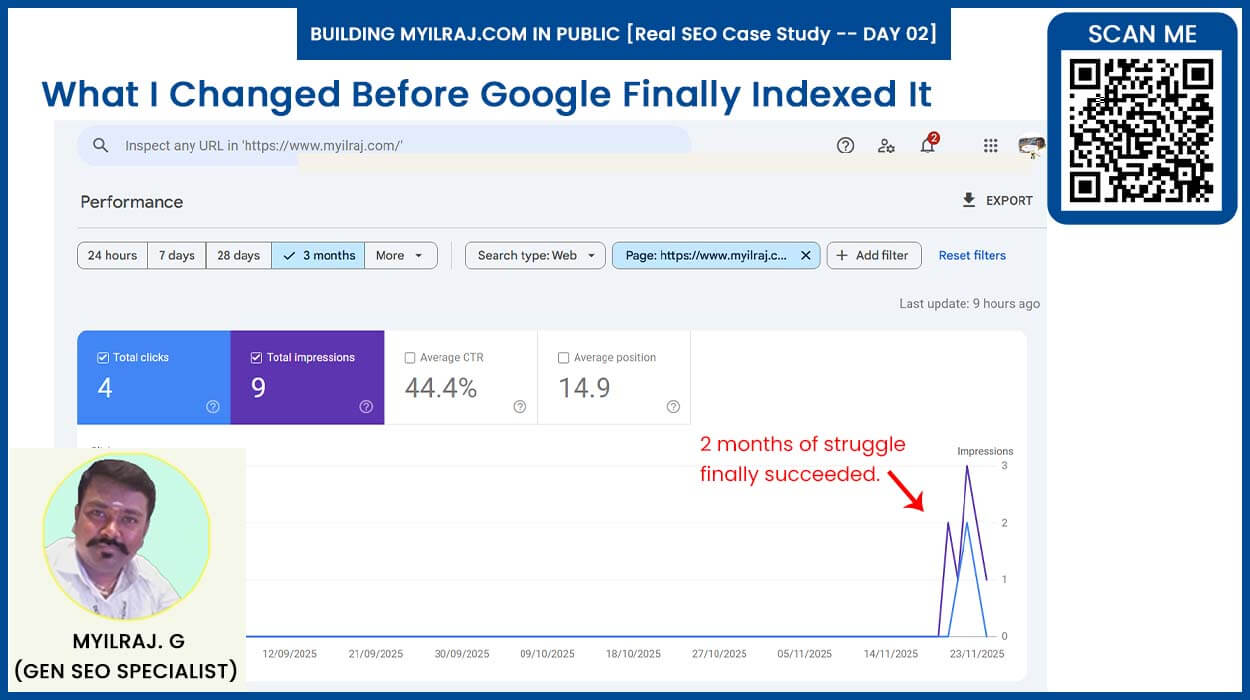
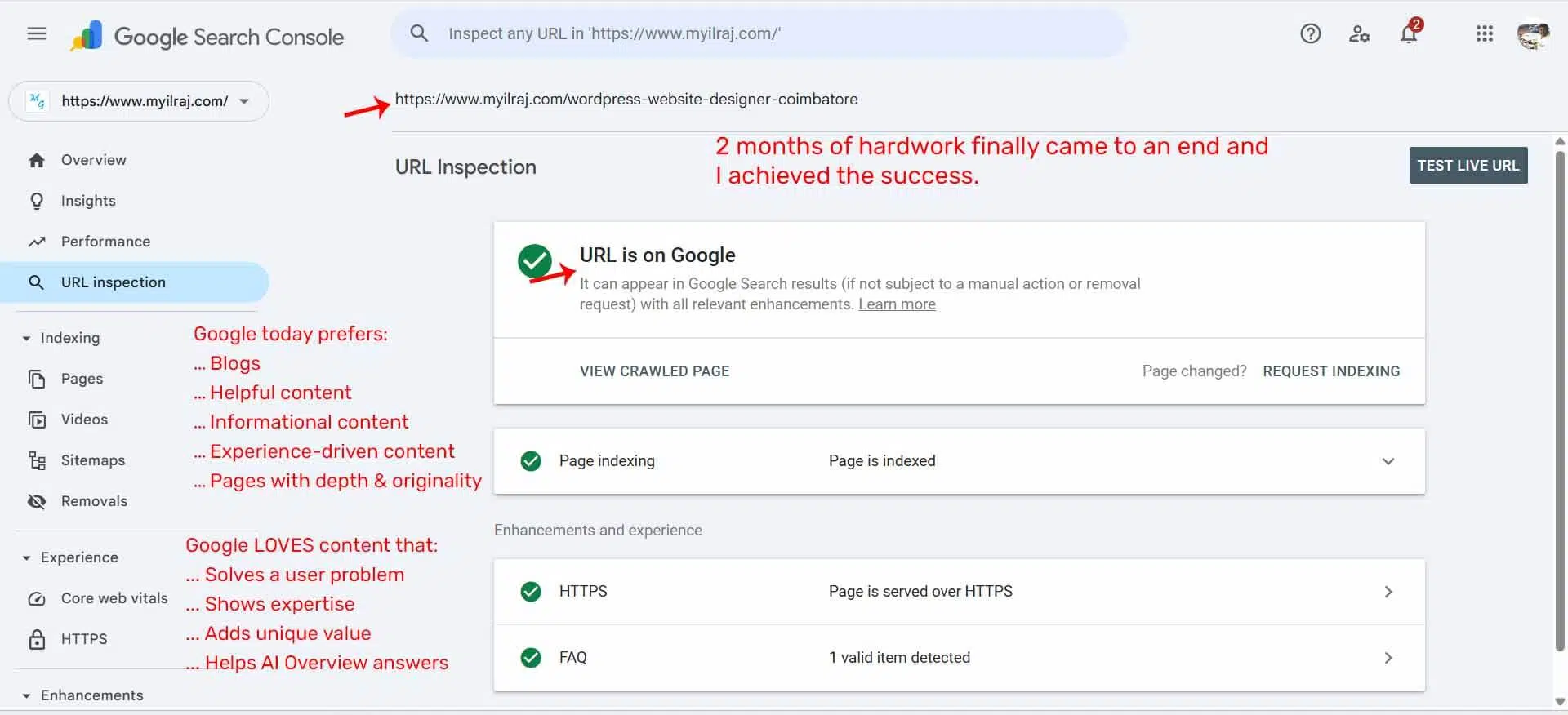
- Google finally indexed the page.
- The long wait paid off.
Here's the Final Output
Day 01: An uncomfortable truth no one will tell you about Google in 2024–2025.
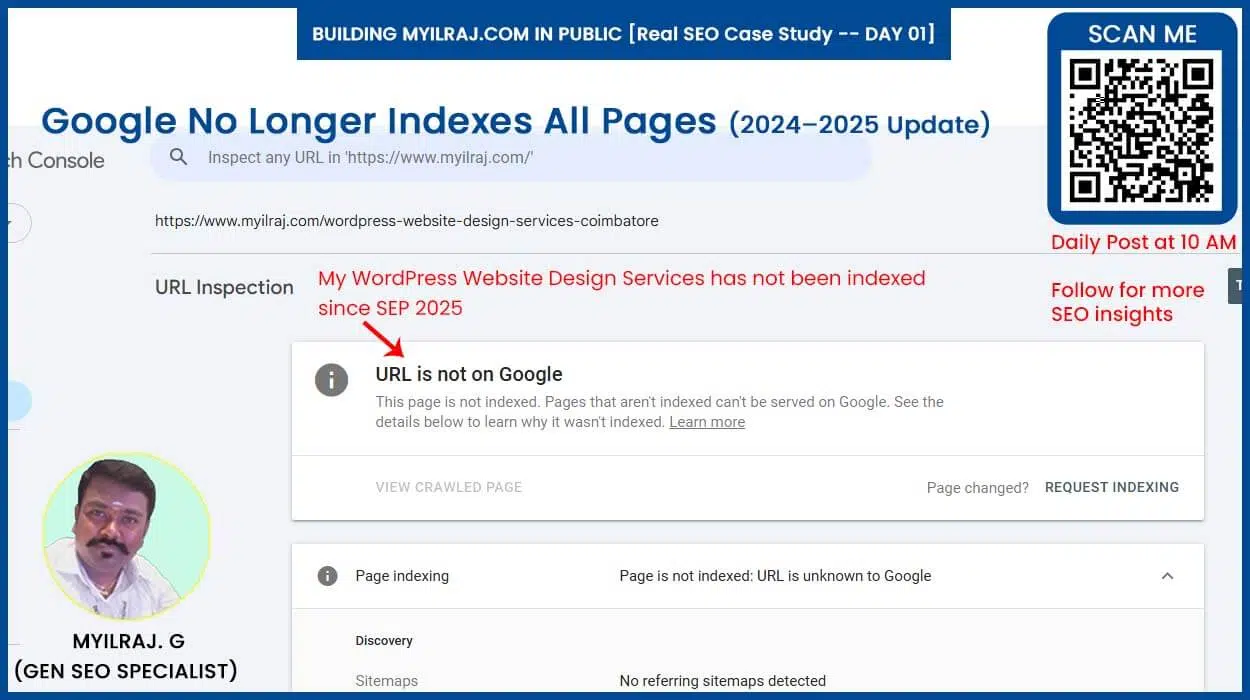
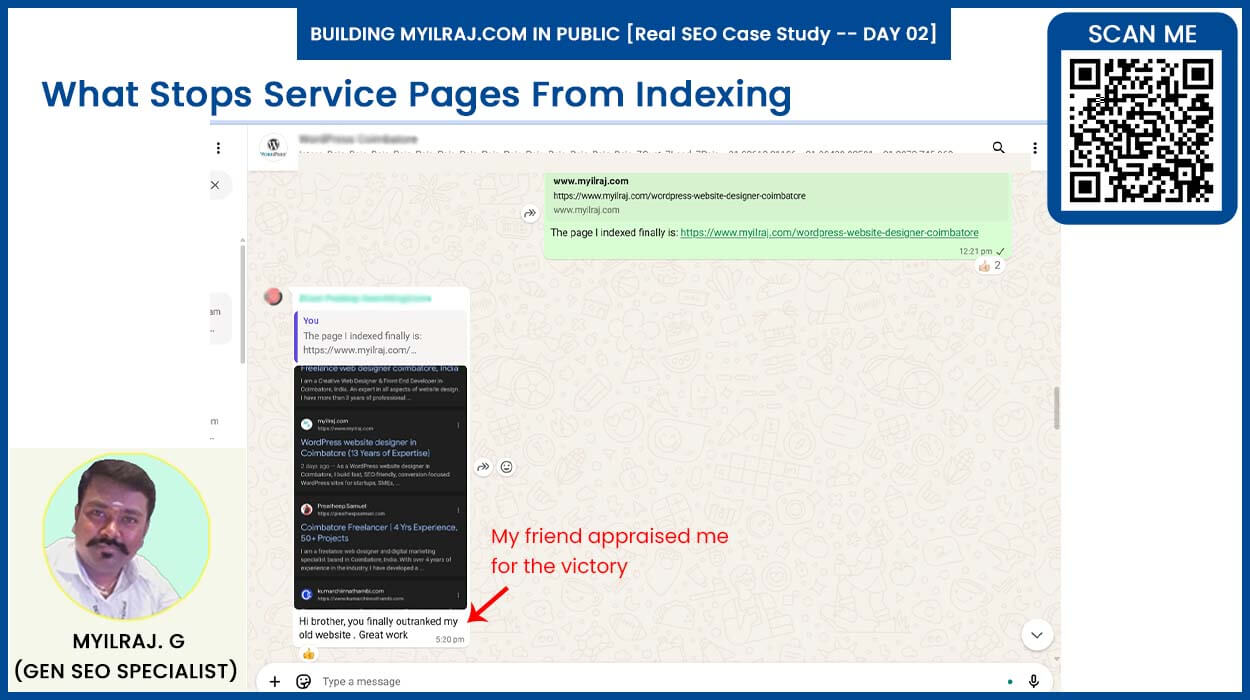
Day 02: This will surprise you
(My informational blog got indexed in 1 day, but my service page took nearly 2 months.)
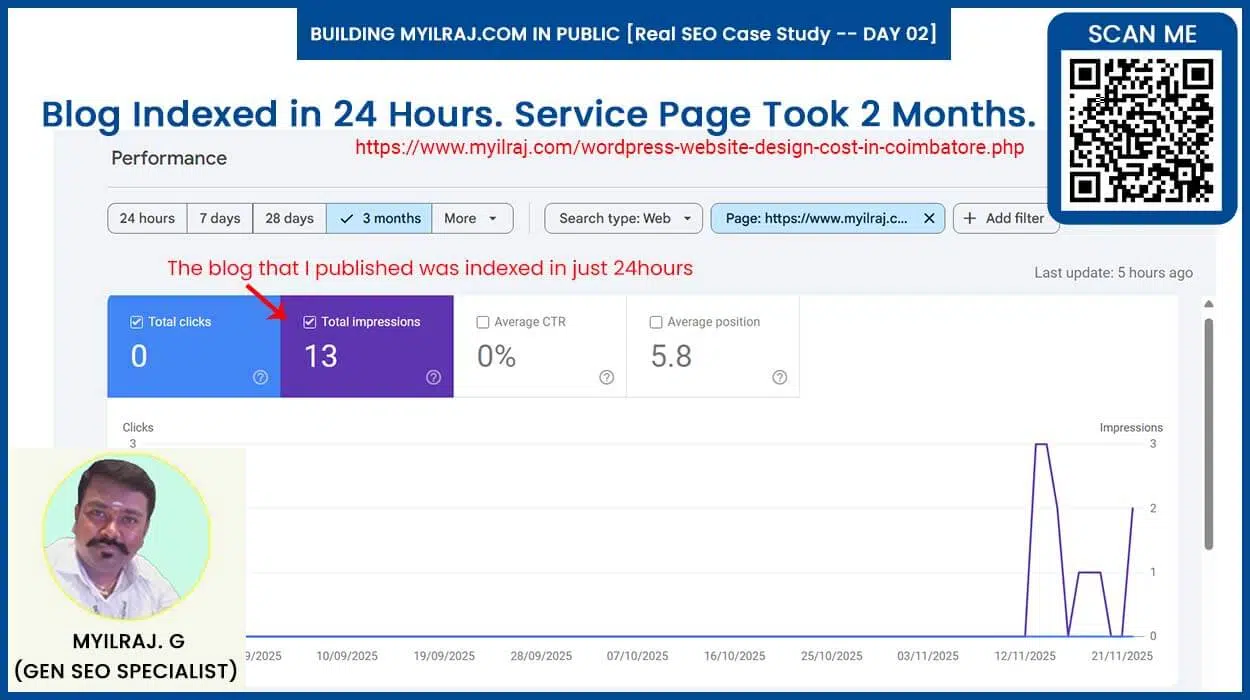
Day 03: If your service page is not indexing, the problem is not your SEO - It's Google's filters.
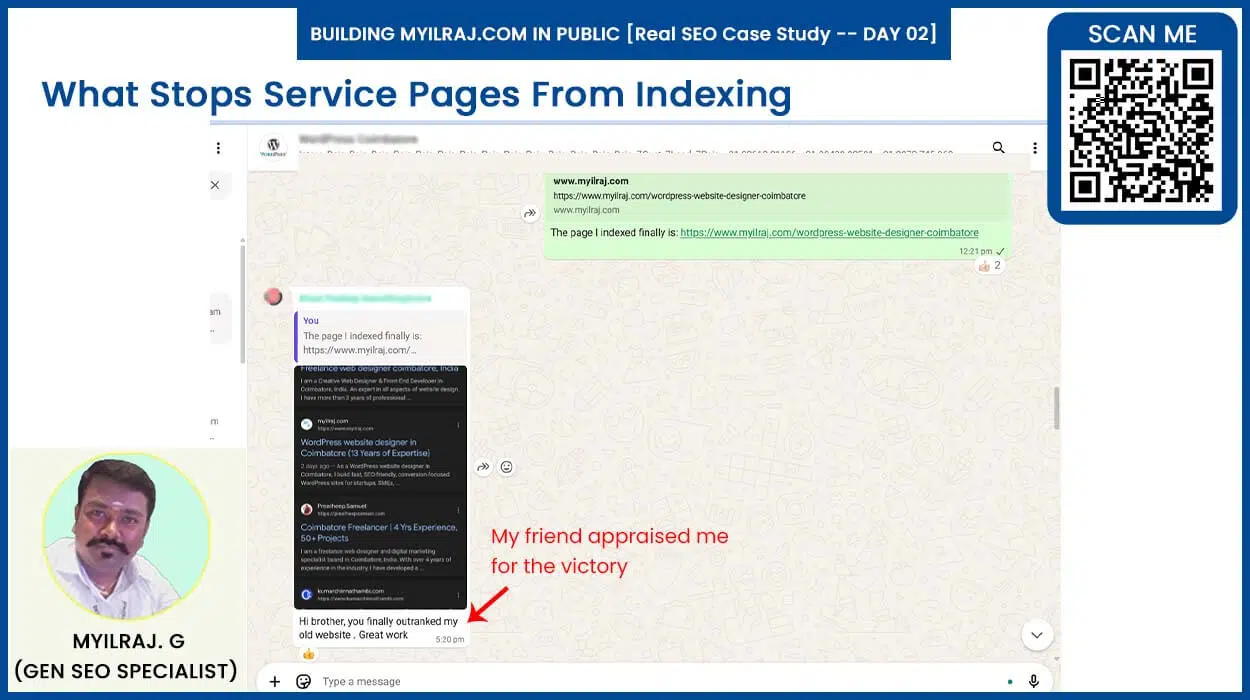
Day 04: What I changed on my WordPress service page before Google finally indexed it.
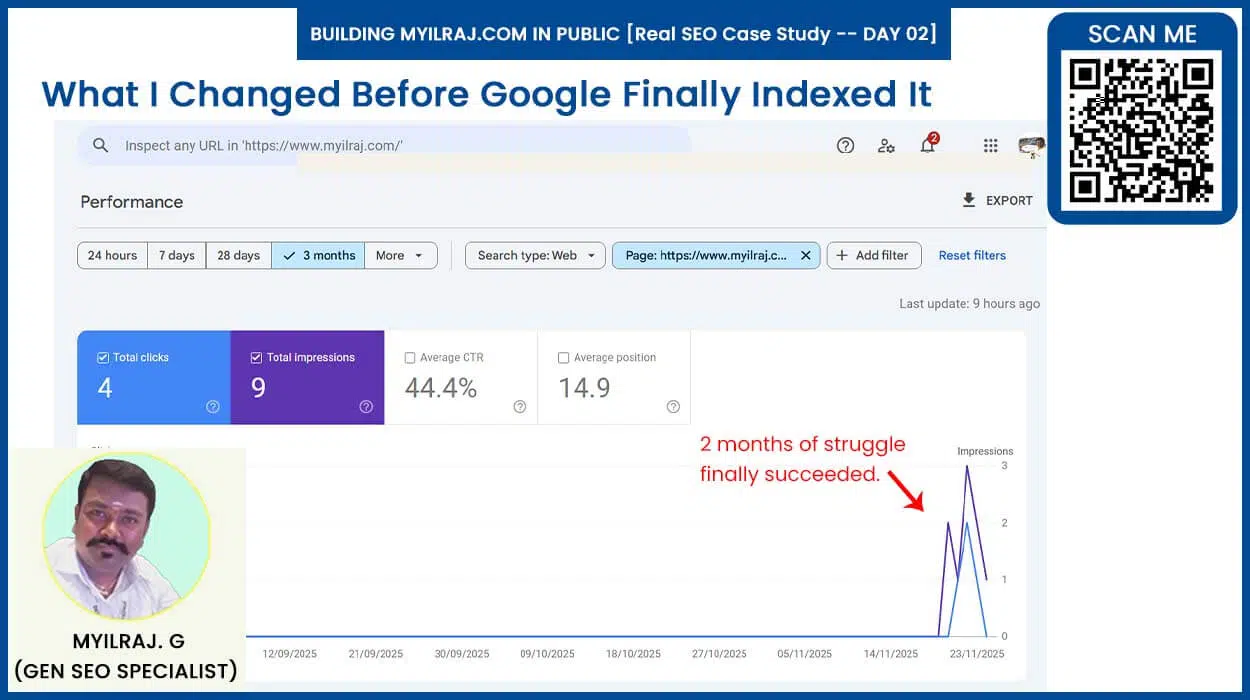
Day 05: I learned one thing from this long fight.
It is: You can't beat Google with shortcuts anymore.
Day 06: The final checklist I used to get my WordPress service page indexed (use it for your next service page).